
Create an API key
Keys are created in the console. Each key is account-wide, can call any published model and is billed to the wallet.
1 · Open the Developer page
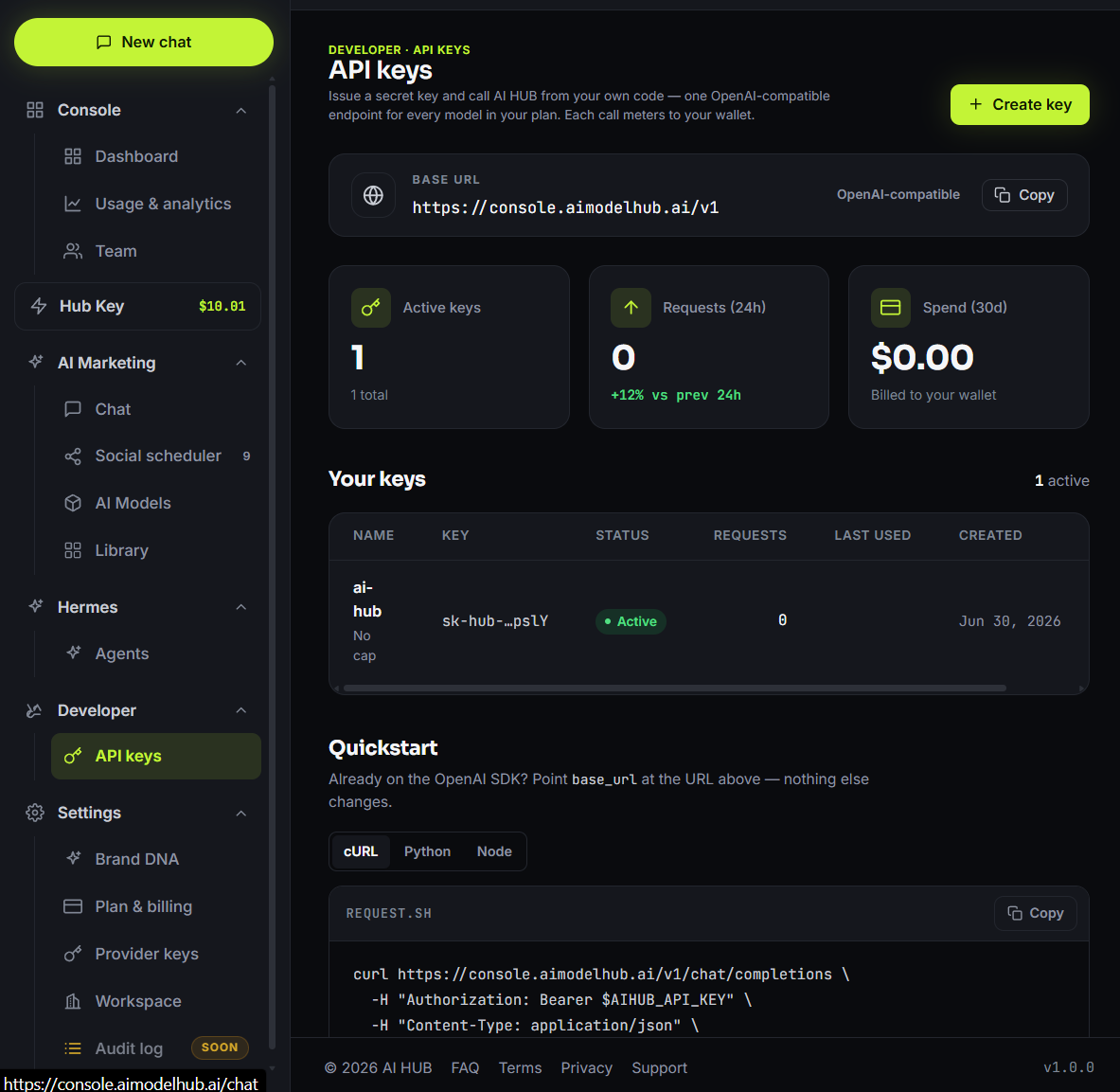
Go to the Developer page in the console. The page lists the keys and the base URL, and holds the Create key button.
2 · Name the key
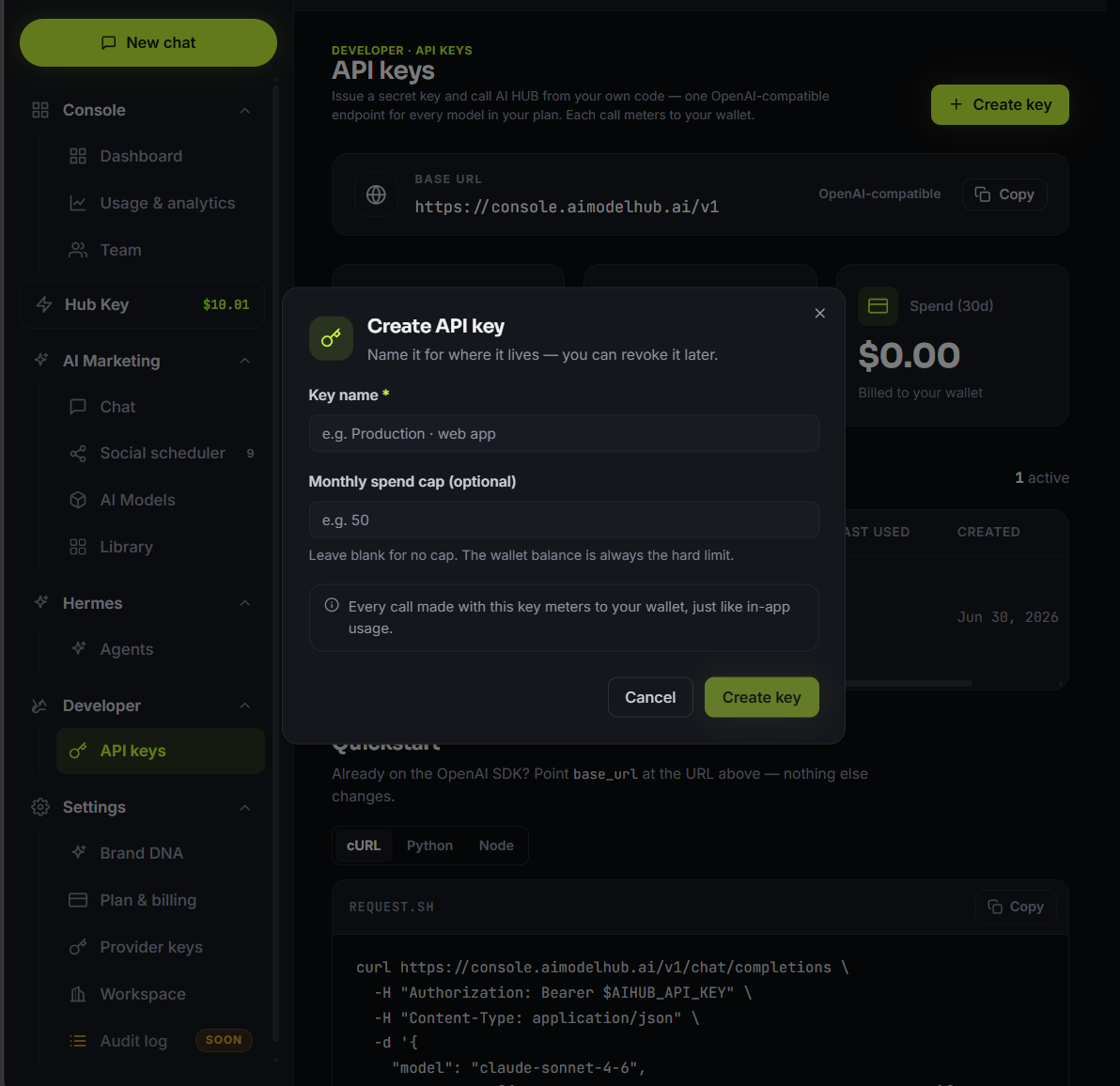
Click Create key, enter a name that describes where the key is used (e.g. "Production · web app"), optionally set a monthly spend cap, then submit.
3 · Copy it once
The key starts with sk-hub- and is shown only once. Copy it and store it somewhere safe. AI HUB keeps only a hash and the masked tail, so the key can never be shown again.
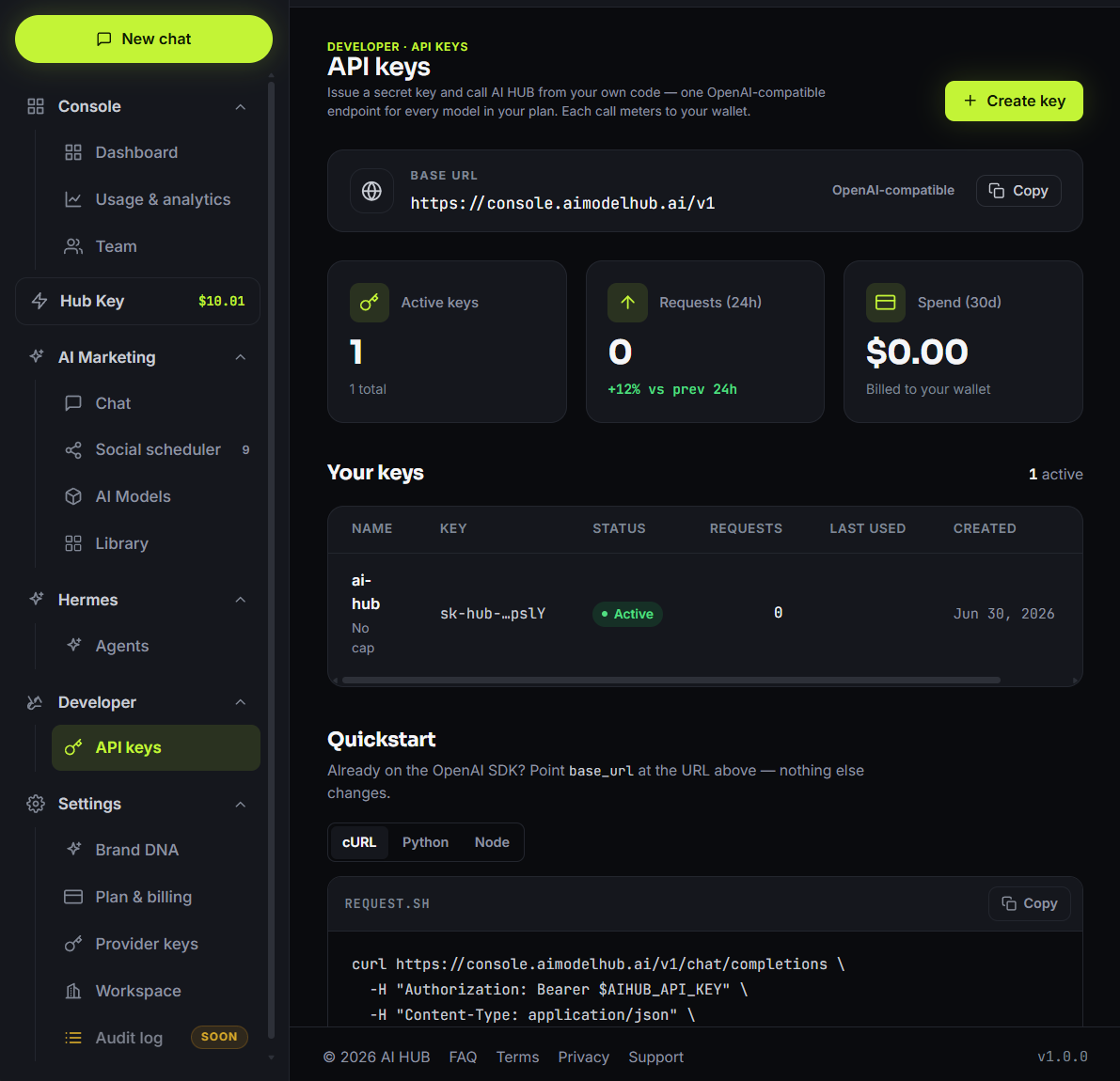
Treat the key like a password. If it leaks, revoke it on the Developer page. Revocation takes effect immediately and any app using the key stops working.
Rotate or revoke a key
Revocation is immediate, and any app using the key stops working at once. To rotate, create a new key, switch the app over, then revoke the old one. With one key per environment, a single surface can be revoked without disrupting the rest.
- Create a new key in the console before touching the old one, so there is no gap in service.
- Switch the app to the new key and deploy it. Both keys work during this step, so there is no downtime.
- Revoke the old key once the new one is confirmed live.
Revocation has no grace period. Once a key is revoked, every in-flight request on it that has not yet reached the gateway is rejected, so a rotation cannot be finished after revoking. Revoke last, not first.